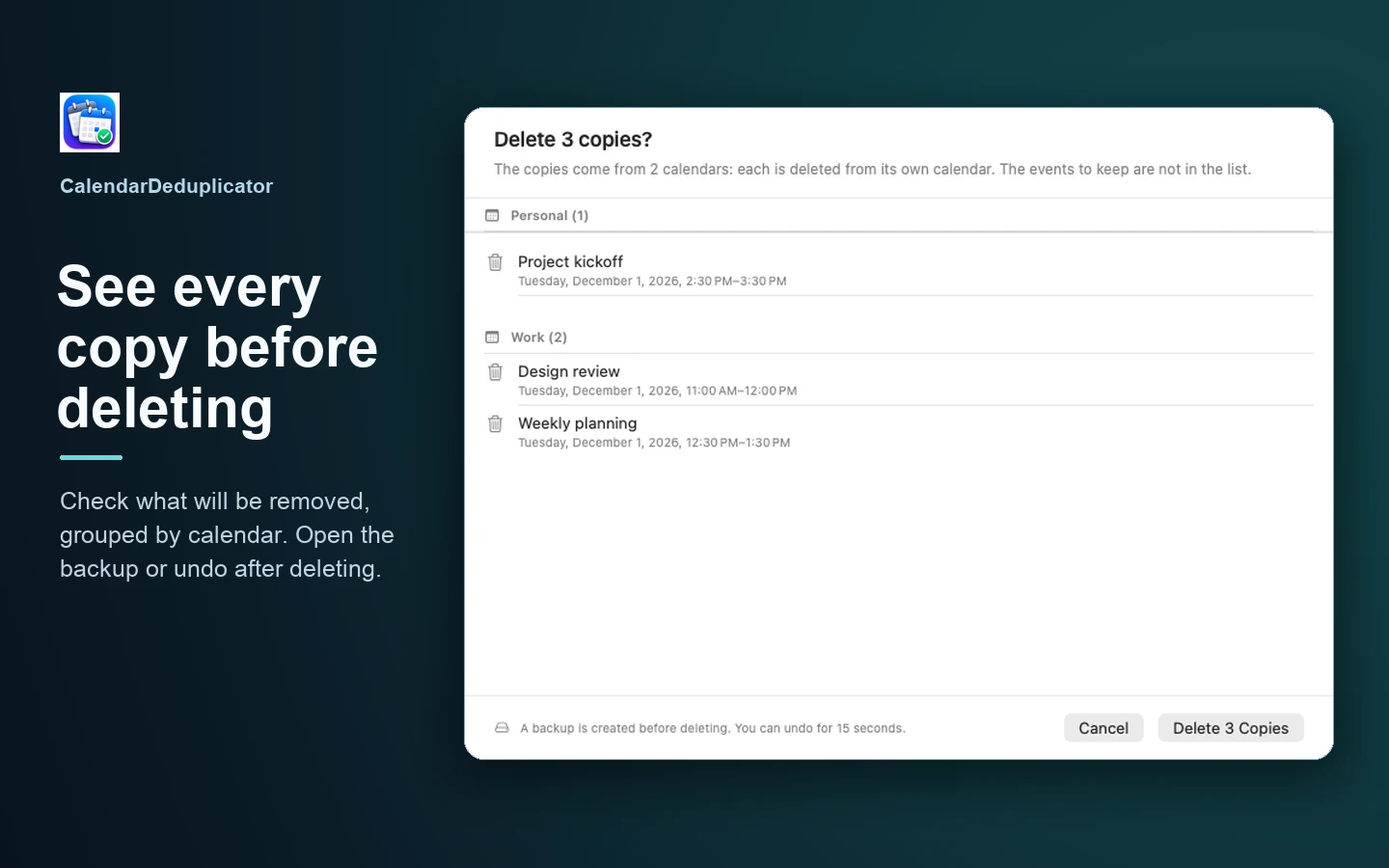
Preview every removal
Review the events grouped by calendar before confirming. Automatic backups and Undo let you recover removed events.

Find duplicate events, compare them clearly and remove only the copies you choose.
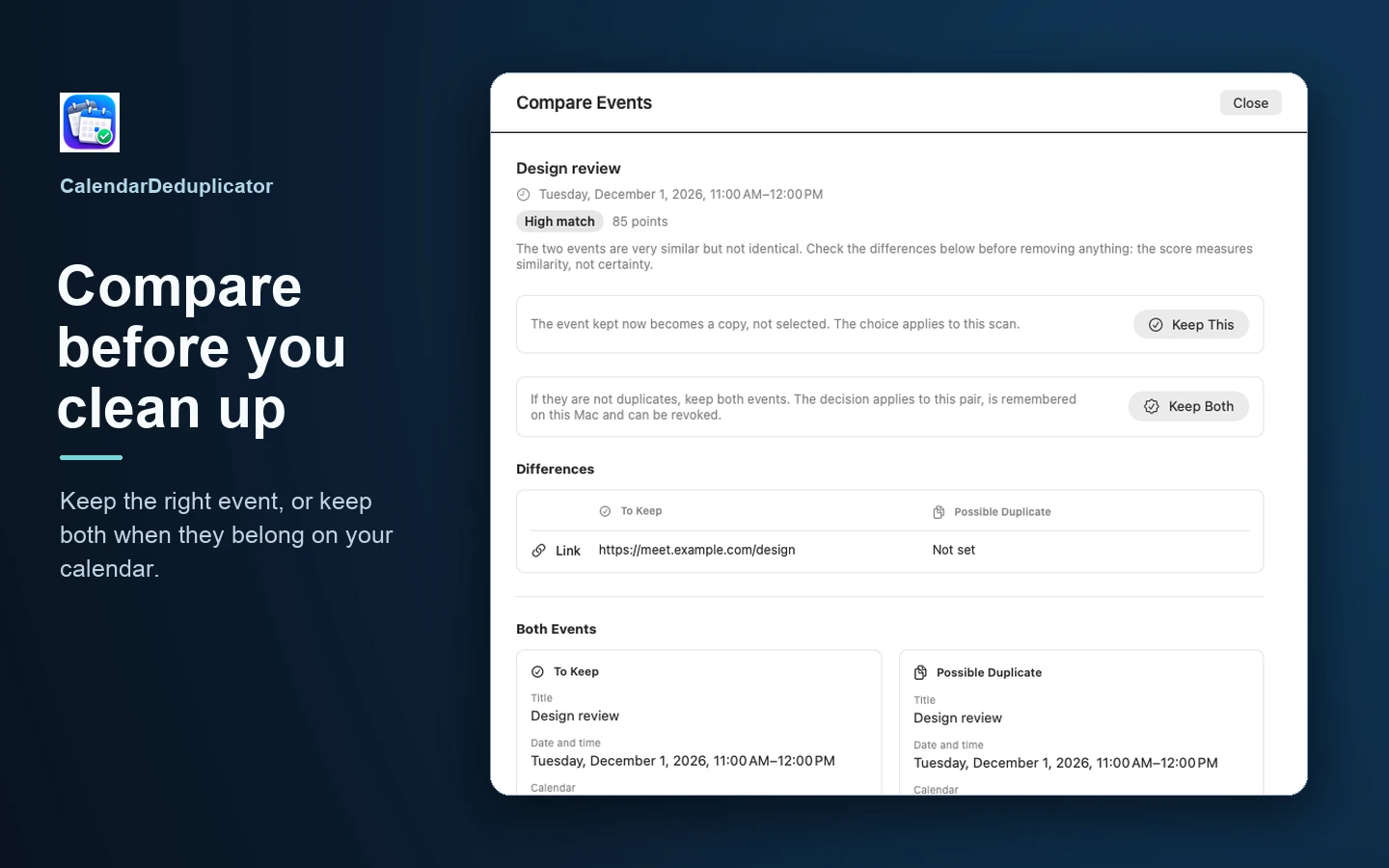
Compare duplicate events side by side, choose which copy to keep or keep both. The app remembers when you choose to keep both.
Review the events grouped by calendar before confirming. Automatic backups and Undo let you recover removed events.
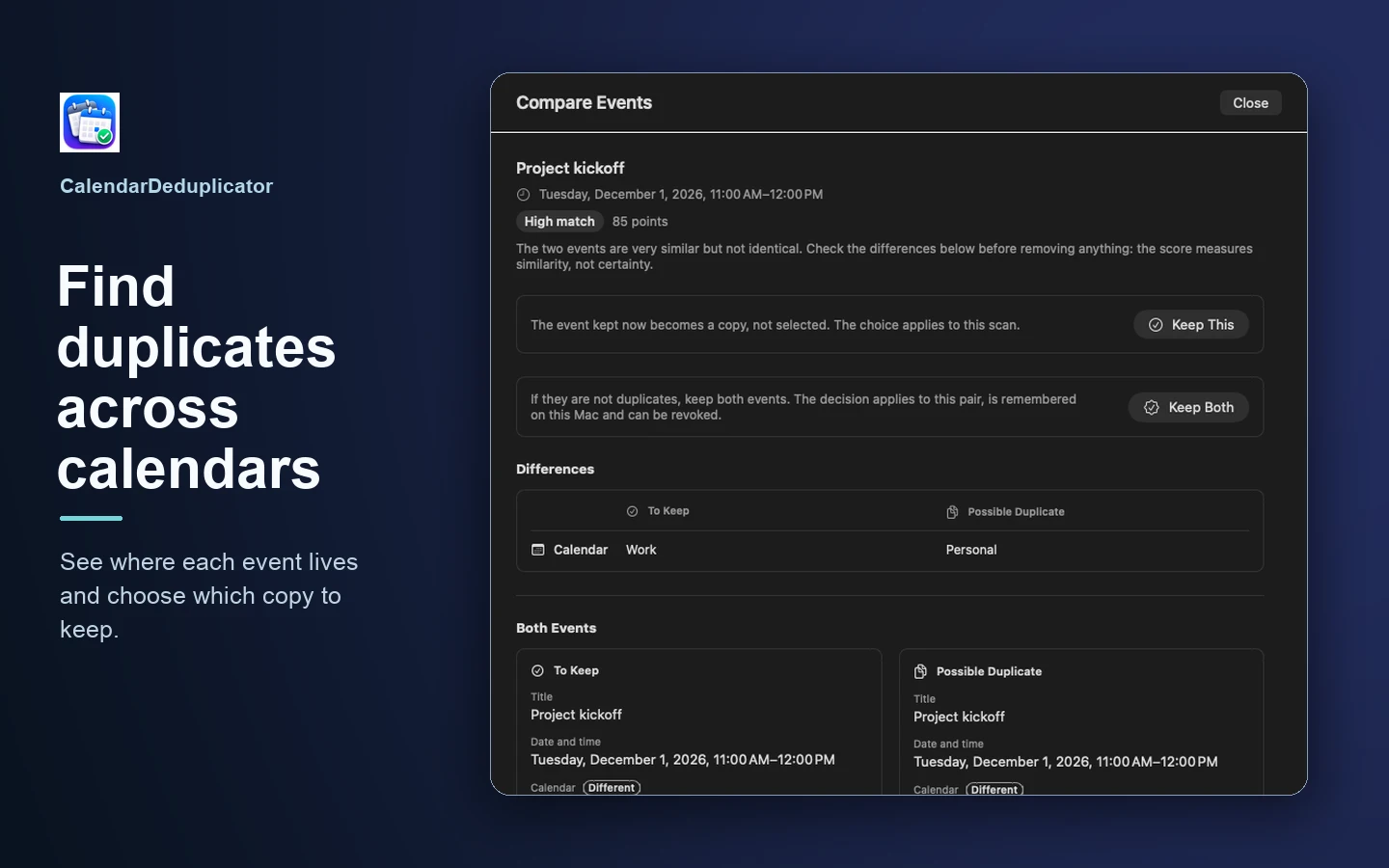
Pick two calendars to find duplicates across them, such as a copy of the same appointment in Work and Personal.
The app protects recurring events and events in read-only calendars from deletion. Backups with recurrence rules cannot restore those recurring events.
The app helps you understand every match before anything changes.
Exact and uncertain matches stay distinguishable, with details available before removal.
Keep the copy with the details you need, such as a meeting link or a note. You can also keep both events.
Use a guided review or detailed filters and batch controls when you need them.
Limit matches to the same day, require time overlap or inspect advanced cross-day cases.
Progressive analysis keeps the interface responsive while large result sets are processed.
Review, select and confirm. Destructive actions stay explicit at every step.
Scan one calendar or compare two calendars. Analysis runs on your Mac.
Compare the copy to keep with the events proposed for removal.
A backup is created before deletion, and immediate Undo is available.
The app presents the current subscription details and localized price directly from the Mac App Store.
Scan and inspect duplicate groups with clear safeguards and a limited removal allowance.
Unlimited removals, Keep Best, batch cleanup, backup and restore safety, and no 30-day deletion limit.
View on the Mac App StoreNo. You review and confirm removals. The event marked Keep is protected from deletion.
The app creates a local backup. If the backup cannot be created, deletion does not proceed.
Immediate Undo restores the events removed by the last completed operation. Saved backups can also be reviewed from the app.
Visit the support page or write to support@4191.ch.